Restory.pics vs RestorePhotos.io 2026: Why Restory Wins for AI Photo Restoration
January 2026: Comprehensive comparison of Restory.pics vs RestorePhotos.io. Features vs popularity - why specialist tools beat general purpose.
Mark Tate
AI Video & Image Specialist
Share
Restory.pics vs RestorePhotos.io 2026: Why Restory Wins for AI Photo Restoration
Choosing between Restory.pics and RestorePhotos.io for your photo restoration needs? This comprehensive comparison reveals why Restory delivers more value with transparent pricing, exclusive features, and superior AI technology. With over 869,000 users, RestorePhotos.io is popular - but popularity doesn't always mean the best choice.
Quick Verdict: Restory.pics Wins
After detailed comparison, Restory.pics offers significantly more value. Here's why:
- Gallery Storage with Folders vs Basic Interface
- Video Animation from Restored Photos
- 4K Upscaling with Face Preservation
- Bulk Processing up to 10 Photos
- Era-Accurate AI (1840-1990 Training)
- 5 Bonus AI Tools Included
- Free Trial Without Account Creation
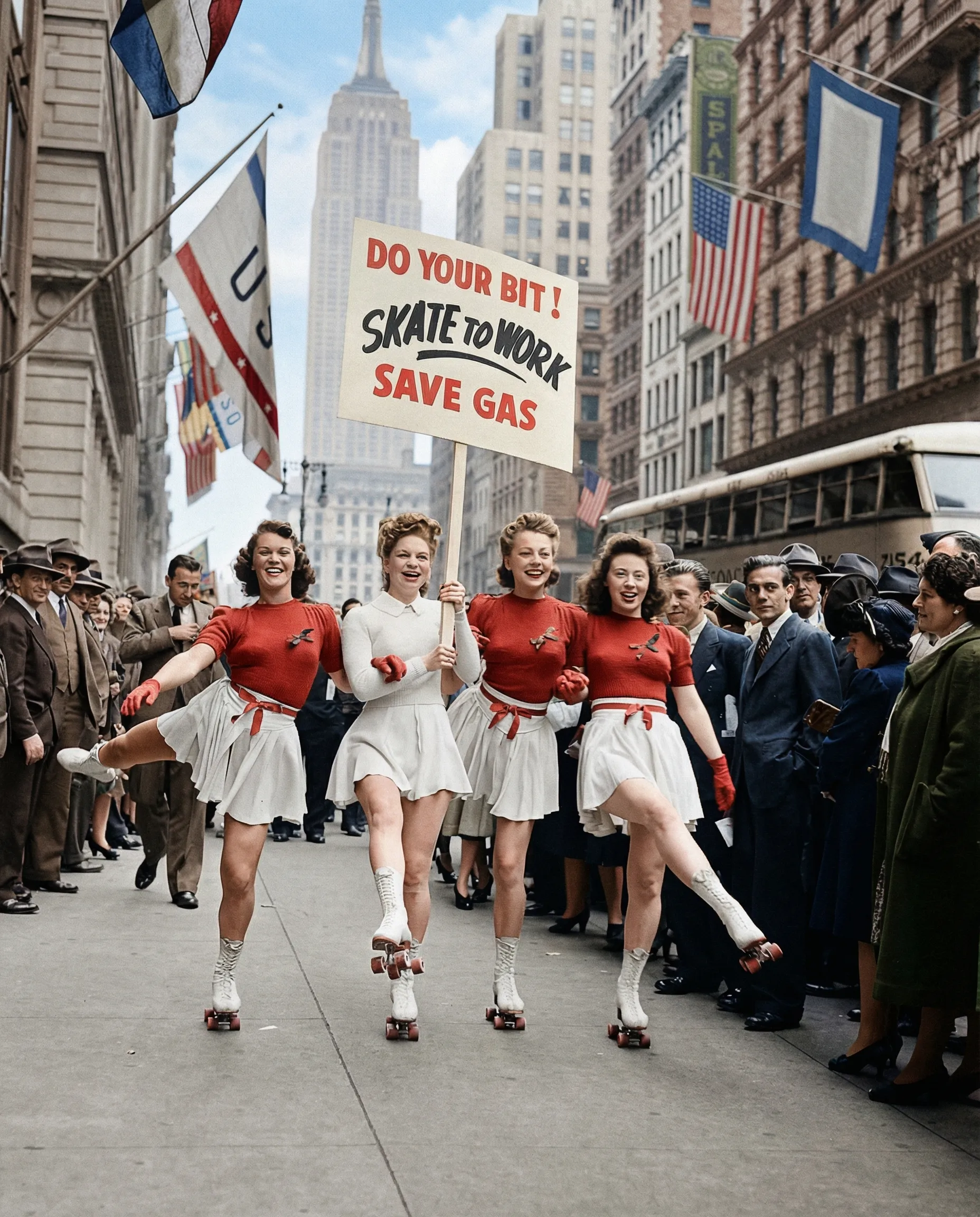
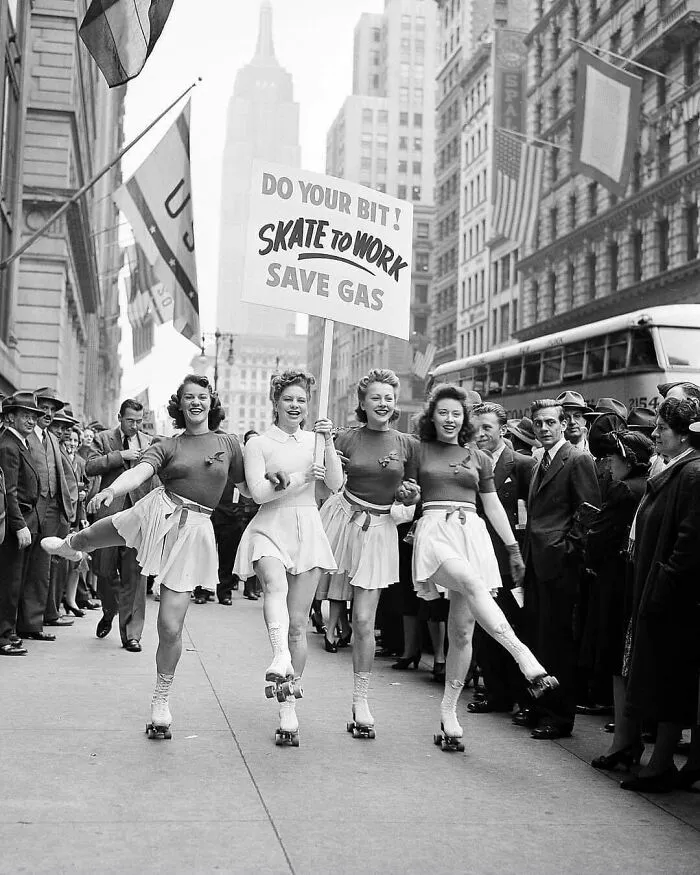
See Restory's Era-Accurate AI in Action
Watch how Restory transforms historic 1940s photos with era-accurate colorization.
 Before
After
Before
After
1940s NYC "Skate to Work" scene colorized with authentic period colors by Restory's era-accurate AI
About RestorePhotos.io
RestorePhotos.io has grown to over 869,000 users and is powered by Vercel and Replicate (the same technology Restory uses). It focuses primarily on face photo restoration and has received praise from tech leaders including Vercel's CEO. However, it lacks many features that serious photo restoration projects require.
Feature Comparison at a Glance
| Feature | Restory.pics | RestorePhotos.io |
|---|---|---|
| AI Photo Restoration | ✅ Era-accurate (1840-1990) | ✅ Face-focused restoration |
| AI Colorization | ✅ Period-appropriate tones | ⚠️ Not mentioned |
| AI Upscaling | ✅ 4K with face preservation | ⚠️ Basic enhancement |
| Gallery Storage | ✅ Cloud storage with folders | ❌ No gallery features |
| Video Animation | ✅ Create videos from photos | ❌ Not available |
| Batch Processing | ✅ Up to 10 photos at once | ❌ One at a time |
| Focus Area | ✅ All photo types | ⚠️ Primarily face photos |
| Bonus AI Tools | ✅ 5 tools included | ❌ None |
| Free Trial | ✅ No account required | ⚠️ "100% free" but limited |
| Pricing | ✅ Transparent from $8.99/mo | ⚠️ Black Friday promo suggests paid tiers |
1. Face-Focus Limitation vs Full Restoration
RestorePhotos.io appears to focus specifically on face photo restoration. While it excels at making blurry faces sharp, this narrow focus means it may not handle other restoration needs as well.
Restory.pics Capabilities
- Six Category Optimization: Family, History, Community, Art, Fashion, Nature
- Full Photo Restoration: Landscapes, documents, artwork
- 80% Damage Repair: Severe scratches, tears, water damage
- Era-Accurate Colors: Historical palettes from 1840-1990
- Face Preservation: Intelligent detection without over-smoothing
RestorePhotos.io Capabilities
- Face-Focused: Primarily portrait restoration
- Blur Removal: Turn blurry photos sharp
- Quality Enhancement: General cleanup
- AI-Powered: Replicate technology
2. Pricing Transparency
While RestorePhotos.io advertises as "100% free," they also mention a "Black Friday promotional code offering 60% off all plans" - suggesting there are paid tiers with unclear pricing.
Restory.pics Pricing (Clear Winner)
- Free Trial: 1 credit, no account needed
- Starter: $8.99/month - 25 credits + gallery
- Memory Keeper: $23.99/month - 200 credits + video + bulk
- Archive Pro: $199.99/year - 1,200 credits + all features
- Top Up: $9.89 for 50 extra credits anytime
RestorePhotos.io Pricing (Unclear)
- Advertised: "100% free"
- Black Friday Promo: "60% off all plans" suggests paid tiers
- Specific Plans: Not publicly disclosed
- Limitations: Unknown
3. Exclusive Restory Features
Gallery Organization (Restory Exclusive)
- Secure cloud storage with 256-bit encryption
- Custom folders for different collections
- Intelligent tagging system
- Timeline view and before/after comparisons
Video Animation (Restory Exclusive)
- Transform restored photos into lifelike videos
- Make loved ones hug, wave, or smile
- Perfect for sharing memories
4K Upscaler (Restory Exclusive)
- Create print-quality enlargements
- Intelligent face preservation
- No quality loss during upscaling
Bulk Processing (Restory Exclusive)
- Process up to 10 images simultaneously
- Perfect for family archives
- Save hours on large collections
Bonus AI Tools (Restory Exclusive)
- YouTube Thumbnail Designer
- Virtual Try-On
- House Exterior Designer
- Tattoo Designer
- Workspace Upgrade Tool
4. Technology Comparison
Interestingly, both platforms use Replicate for AI processing. However, Restory's implementation is specifically optimized for historical photo restoration with era-accurate training.
| Technology Aspect | Restory.pics | RestorePhotos.io |
|---|---|---|
| AI Provider | Replicate API | Replicate |
| Training Focus | Historical photos (1840-1990) | Face enhancement |
| Category Optimization | 6 specialized categories | General face photos |
| Processing Speed | 3-15 seconds | Fast (unspecified) |
Frequently Asked Questions
Q: RestorePhotos.io has more users - isn't it better?
User count doesn't equal feature quality. RestorePhotos.io focuses narrowly on face photos, while Restory offers a complete restoration ecosystem with gallery storage, video animation, bulk processing, and more.
Q: Is RestorePhotos.io really free?
They advertise "100% free" but also offer "60% off all plans" during promotions - suggesting paid tiers exist with unclear pricing.
Q: Which is better for genealogy projects?
Restory.pics, without question. Gallery organization, bulk processing, and era-accurate colorization make it ideal for family history work. RestorePhotos.io's face-only focus and lack of organization features limit its usefulness for archives.
Q: Both use Replicate - what's the difference?
While both use Replicate's AI, Restory's implementation is specifically trained on historical photos from 1840-1990 with six category optimizations, delivering more accurate results for vintage photo restoration.
Conclusion: Features Over Popularity
RestorePhotos.io has impressive user numbers and works well for quick face photo fixes. But for serious photo restoration - organizing family archives, restoring damaged photos, creating videos from memories - Restory.pics delivers the complete solution.
Final Verdict: Choose Restory.pics
- Complete restoration suite vs face-only focus
- Gallery organization with folders
- Video animation and 4K upscaling
- Bulk processing for large projects
- Era-accurate AI with 6 category optimization
- 5 bonus AI tools included
More features. Better organization. Superior results.